
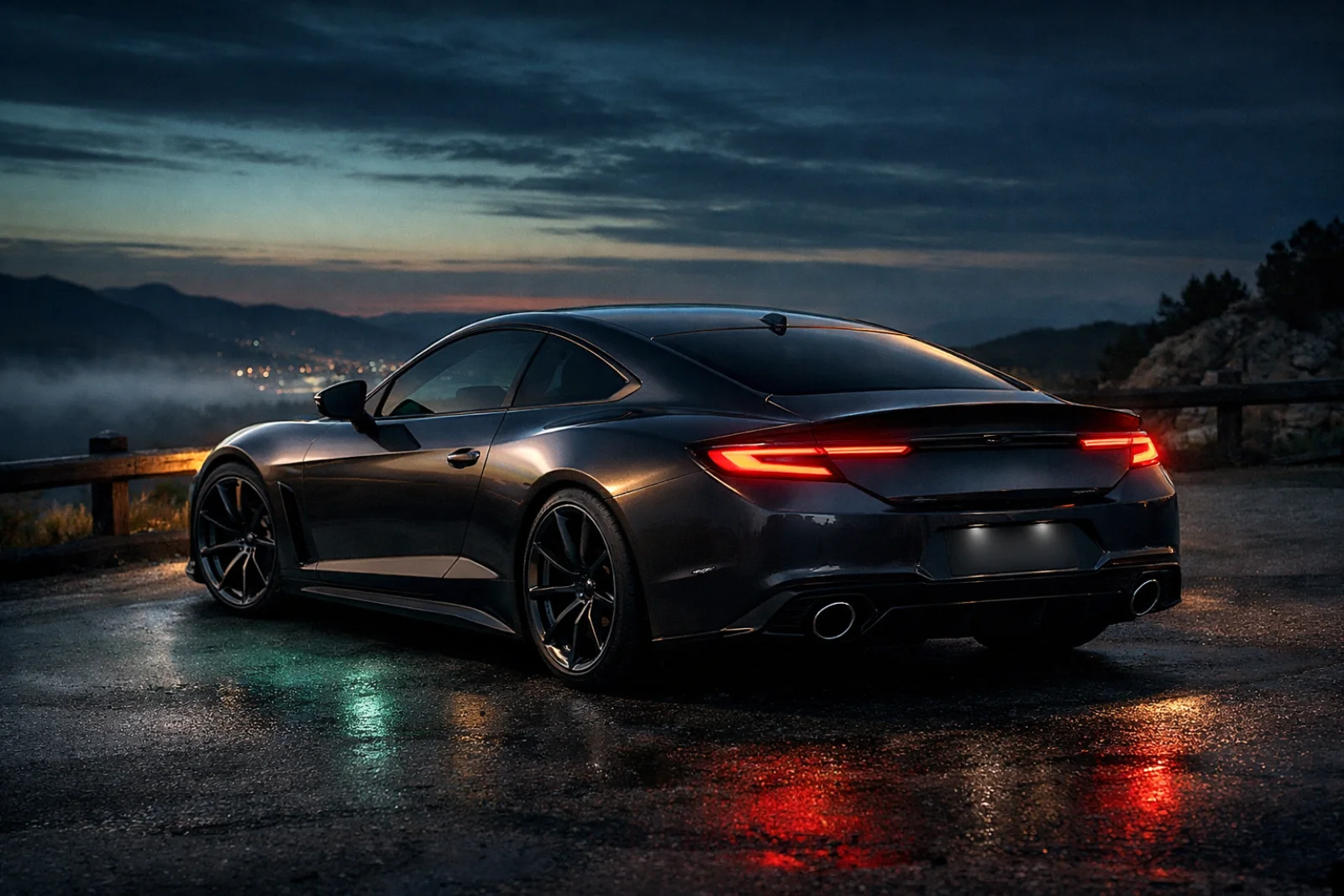
From a car photo to My Garage.
Choose a sighting, review an AI-assisted match, and save the car as a private collection card. You decide when paid identification starts.
See what happens before you tap.
SeenCars separates the free photo check from paid AI recognition. Selecting a photo and passing the precheck do not spend Gas; the paid step starts only after your explicit choice.
Recognition is a suggestion with confidence, not certainty. You can review a low-confidence result or turn on review before saving and correct the details.
1. Choose a useful photo
Take or select a clear photo of a car you encountered. Keep the whole vehicle in frame and capture it from somewhere safe and permitted.
2. Upload and check it for free
Upload and the free photo precheck start when you choose an image. If the photo is not ready, you can retake it or choose another. No Gas is spent on this check.
3. Tap to start identification
When the photo passes, the action shows “Identify & save · 10 Gas.” Paid AI recognition starts only when you tap it; Gas is an in-app balance, not cash, real-world fuel, or a transferable reward.
4. Review an AI-assisted result
SeenCars returns a likely match and confidence, not certainty. Similar models, modifications, photo conditions, and available data can make the answer uncertain. Low-confidence results pause for review; you can also enable review-before-save to check and correct the suggested details.
5. Save the private find
When the spot is ready, a car card appears in your private My Garage. The privacy-safe image is used for the saved sighting, and exact locations stay private.
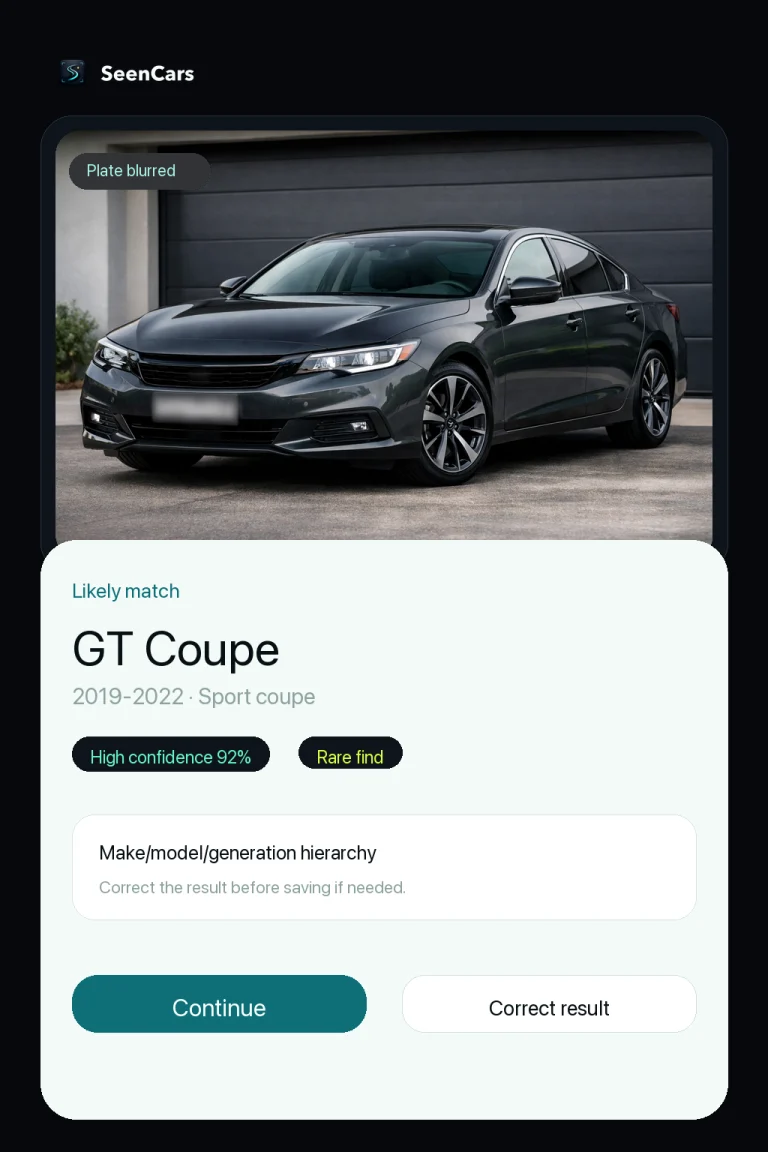
Help the car stand out.
A straightforward view gives the recognition flow more useful visual information. Try to include the entire vehicle with the body shape visible.
- Choose steady focus and even light; avoid motion blur and strong glare.
- Keep other cars and large obstructions away from the main subject.
- Photograph only from a safe place where taking the photo is permitted.
A clear photo helps, but it cannot guarantee an exact identification. Check the confidence and correct a result that does not match the car you saw.
Quick answers
Before your next spot.
When does SeenCars use 10 Gas?
Choosing and uploading a photo and running the free precheck do not spend Gas. Paid AI recognition starts, and uses 10 Gas, only after you tap the “Identify & save · 10 Gas” action and the precheck passes.
Will SeenCars always identify the exact model or trim?
No. SeenCars returns an AI-assisted likely match and confidence, not a guarantee. Similar models, modifications, photo angle, light, and available data can affect the result. You can review and correct details when needed.
Is My Garage public?
Saved spots start private and exact locations stay private. License plates are blurred and plate text is not stored. SeenCars does not offer plate, VIN, owner, or registration lookup.
Can anyone download the native SeenCars apps?
No. Native iPhone and Android access is limited to invitation-only beta testing; the apps are not generally available and there is no public waitlist or public store download.
Keep the cars you actually see.
The web dashboard is available. Native app access remains limited to invited beta testers; no public download or waitlist is offered.